Perusal Score Watermarks
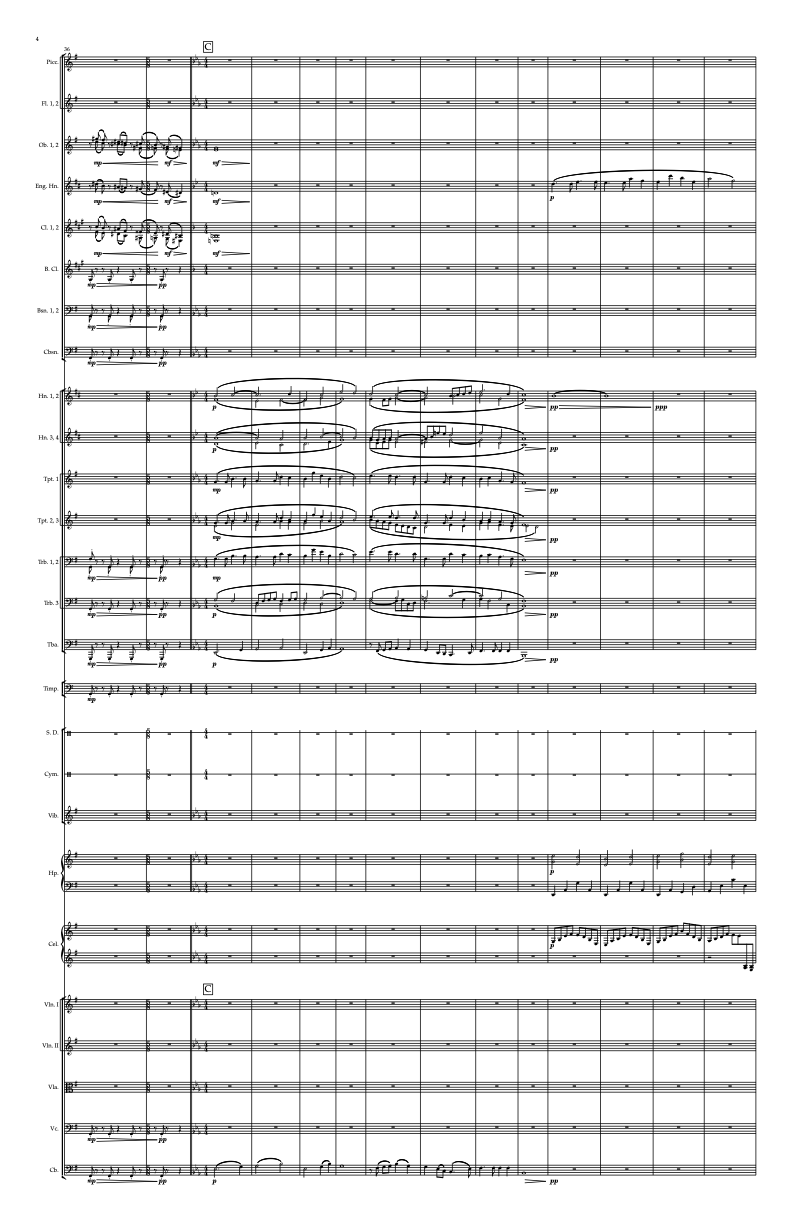
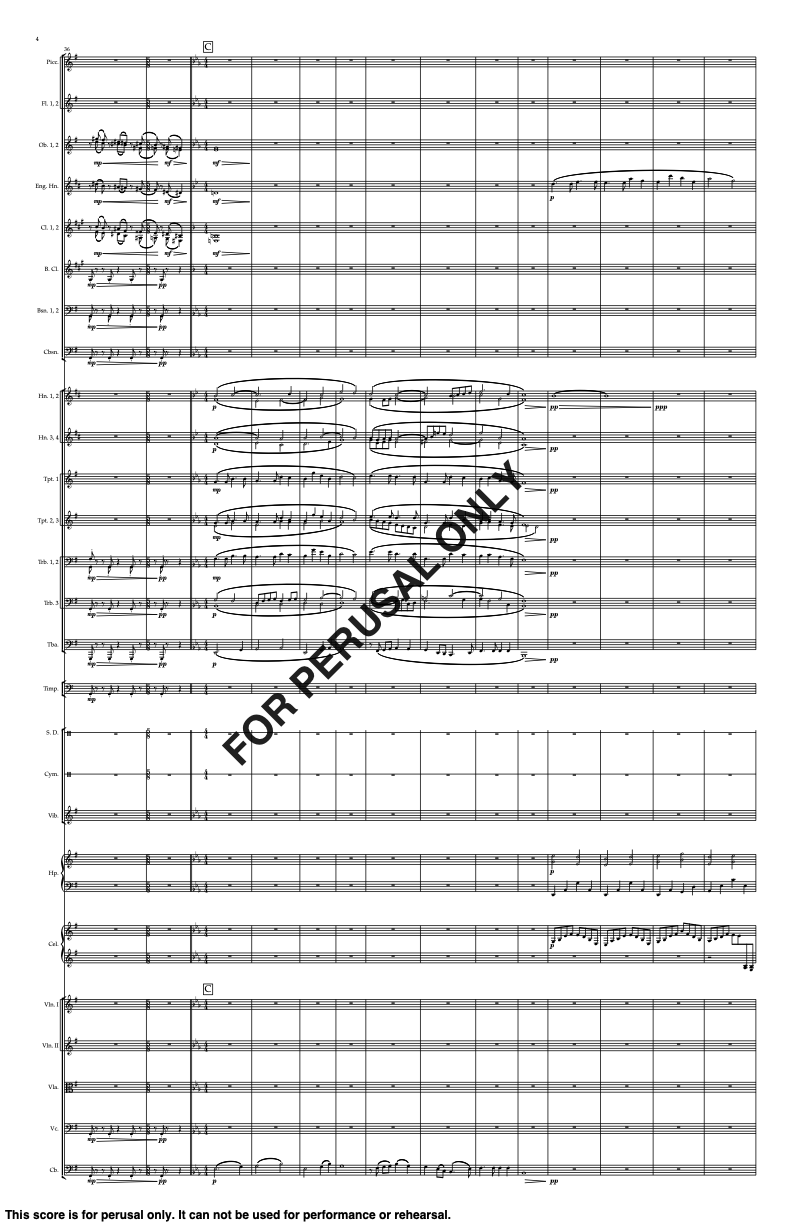
Upload one PDF file and one video or audio file. You can then add pages from your PDF to the timeline. Either click Add Slides in Order to add every page from your PDF in order, or manually add pages (in the case that your score has repeated sections between pages). You can drag out the end of a page to change the length it shows for, but also by double-clicking the bar you can snap the end of a page to the playhead.
Before exporting your video, there are a few options to choose from. Firstly, you can choose if you'd like to only show the score and audio, or display a performance video alongside your score. Secondly, you can decide to change the aspect ratio of the exported video. This will add blank, black space to the sides of your score to create the necesary width. This option can be useful for videos on platforms such as YouTube, which will often treat small, vertical page sizes as shorts instead of normal videos. Finally, click Export and your video will render.
Feel free to report any bugs by emailing finn.reese@gmail.com.
Write up to 7 notes split by new lines